.avif)
Move your WordPress website to Webflow with a migration strategy built around SEO preservation, cleaner architecture, stronger UX, easier content management, and long-term scalability.

.png)
%20(2).png)
%20(1).avif)
%20(6).avif)


%20(5).png)
Moving from WordPress to Webflow involves more than recreating the same pages on a different platform.
A successful migration needs to account for your existing content, CMS structure, URLs, search visibility, integrations, user journeys, and the parts of the website that already perform well.
Webhorus plans the migration before development begins, helping you convert WordPress to Webflow while improving the website where it makes sense—not changing things simply for the sake of change.
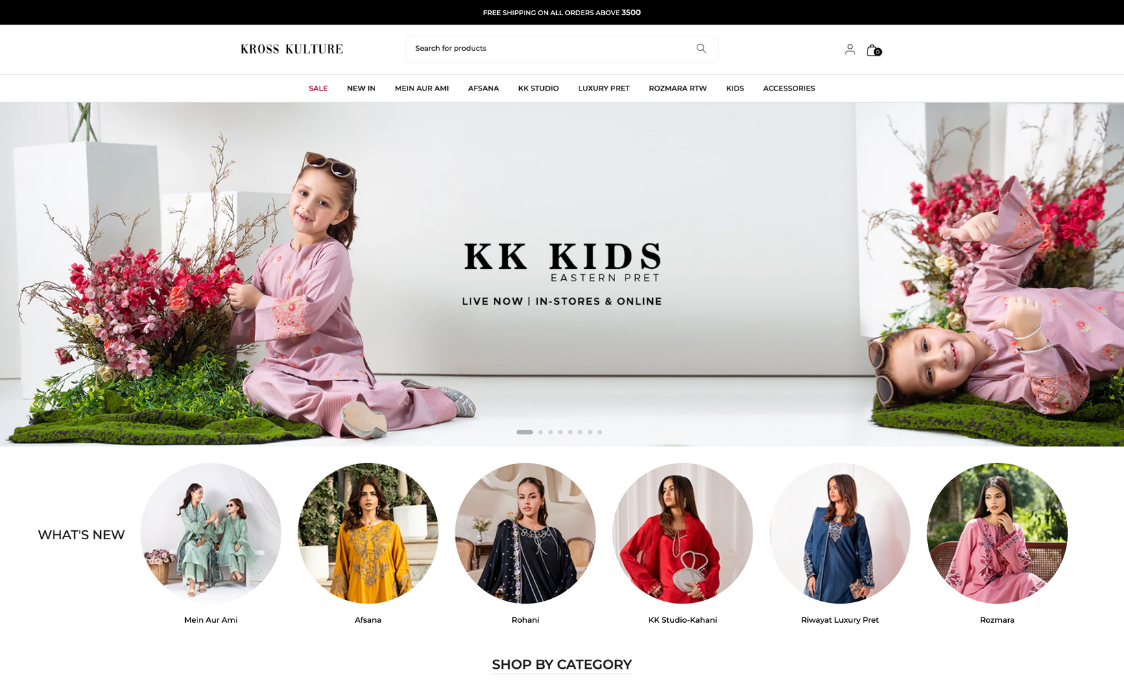
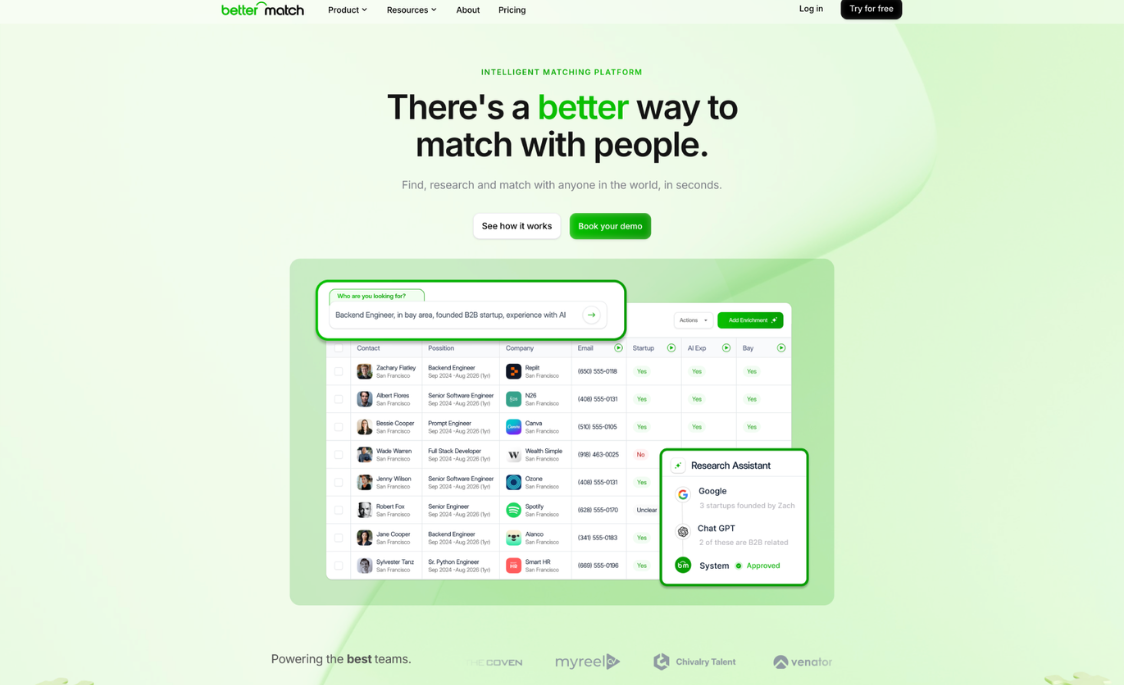


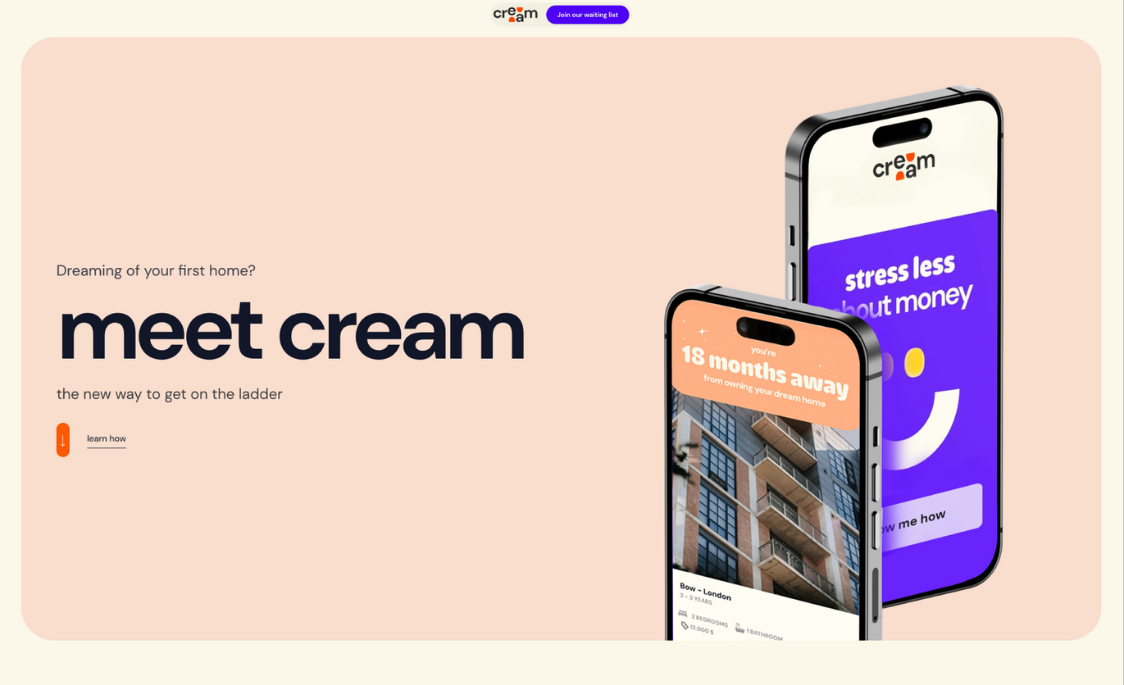
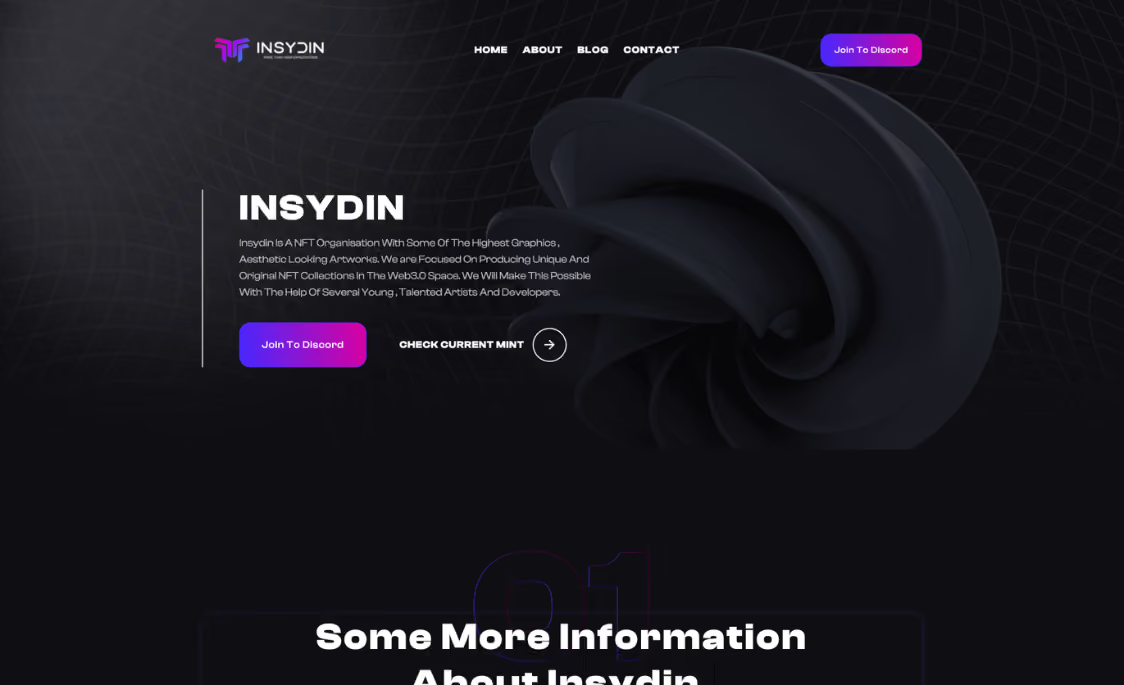

Move away from an unnecessarily complicated editing experience and give your team a structured Webflow CMS built around the content they actually manage.
Plan URLs, redirects, metadata, page structure, internal links, and valuable content before launch to reduce avoidable SEO migration risks.
Rebuild the site around organized Webflow components and CMS structures that make future pages, campaigns, and content easier to manage.

Create a responsive Webflow website where design, interactions, content structure, and development work together as one connected system.
.avif)
We audit the existing website, content, URLs, CMS, integrations, and search considerations before deciding how the new Webflow site should be structured.
Keep the parts of your current experience that work while improving outdated layouts, navigation, messaging, mobile usability, and conversion paths. Explore our Webflow redesign services.
We rebuild your website in Webflow using responsive layouts, reusable components, clean development practices, and scalable architecture.
We map WordPress posts, pages, categories, case studies, resources, and other structured content into an appropriate Webflow CMS setup.
We account for URL mapping, 301 redirects, metadata, internal links, structured content, technical SEO, and other important migration signals. Explore our SEO and AEO services.
Before launch, we review content, responsive behavior, forms, redirects, functionality, and search foundations—then support the website after migration.

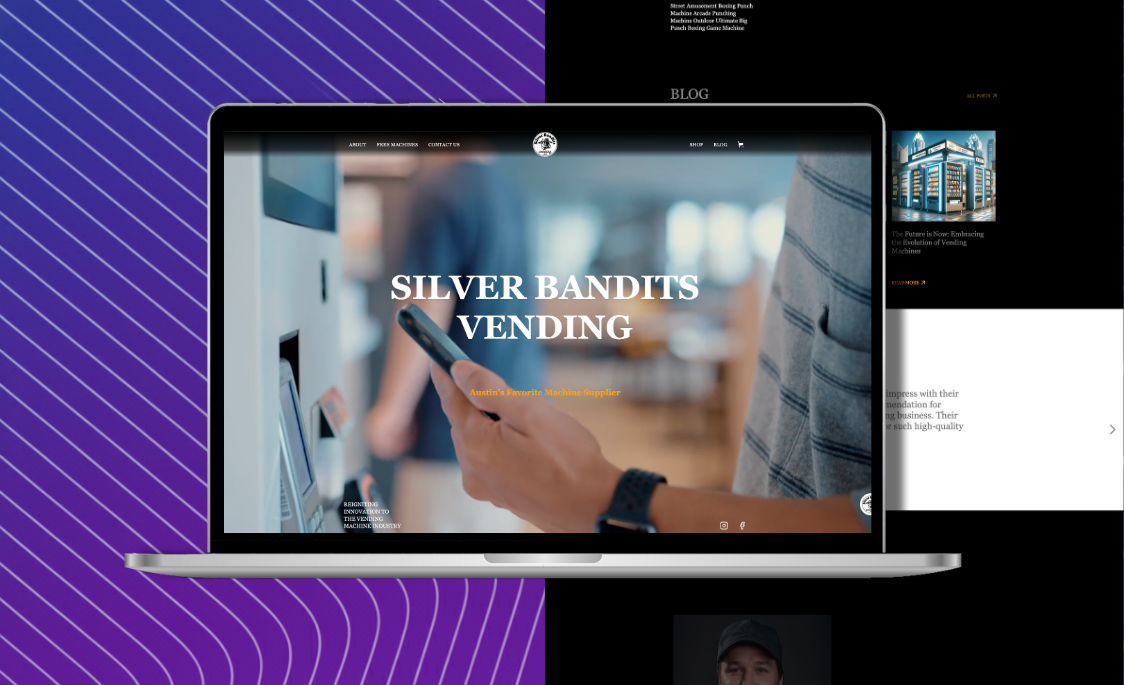
Silver Bandits wanted a fresh, interactive platform to showcase their advanced vending machines.
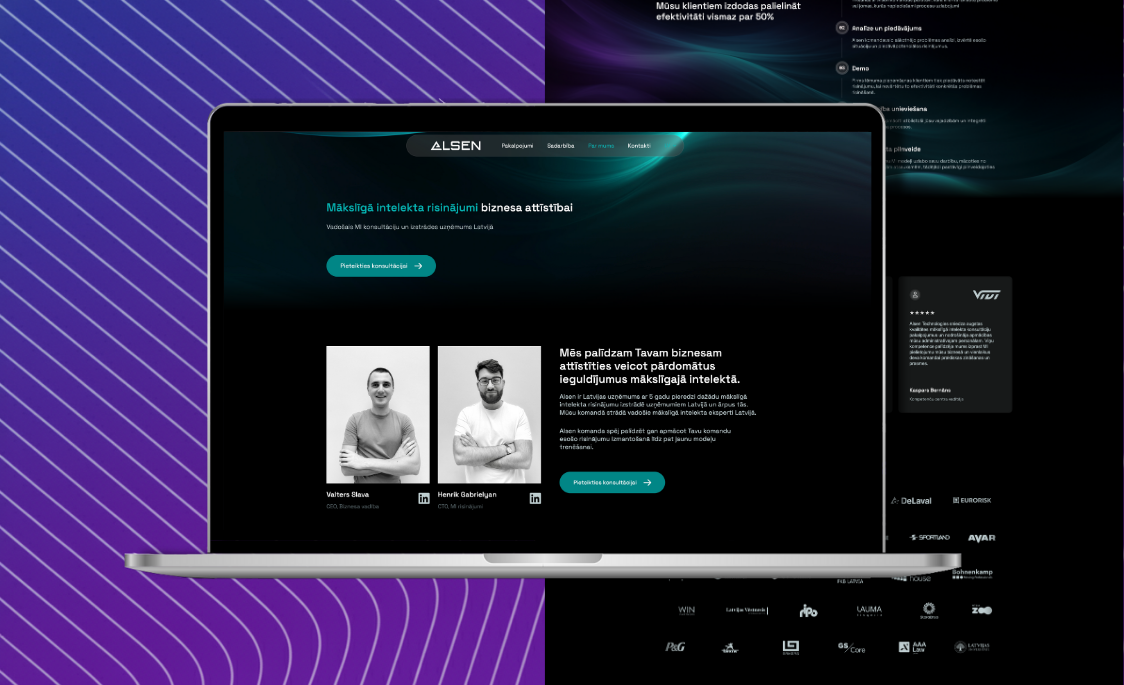
AlSen needed an e-commerce website that provides a seamless shopping experience.
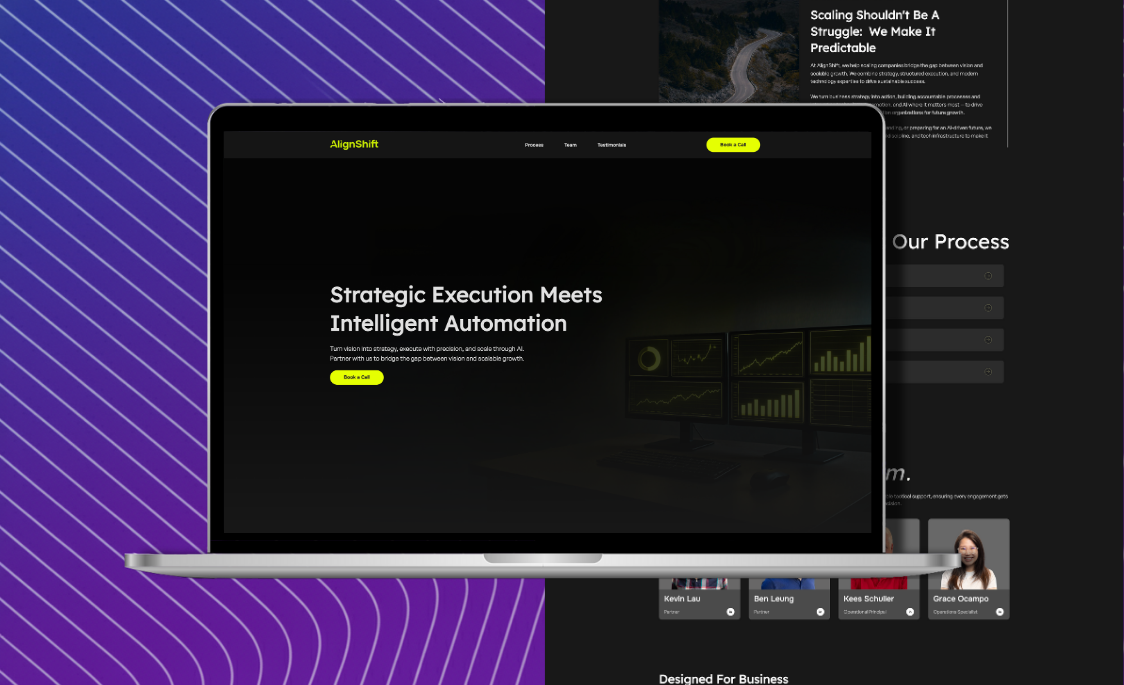
AlignShift needed a website that would help businesses access their consulting services easily.

Often extended through themes and plugins
Hosting typically selected separately
Editing varies by theme and builder
Plugins can add maintenance overhead
Build structure varies by implementation
Broad ecosystem for many website types
.svg)
Built-in design and website tools
Managed hosting included
Integrated visual editing and CMS
Fewer plugins needed for core features
Reusable components and structured CMS
Well suited to design-led marketing

Migrate your website with a strategy built around SEO preservation, cleaner Webflow development, scalable CMS architecture, stronger UX, and easier long-term management.
We are a team of Webflow, brand, and design experts passionate about building sites that accelerate growth for B2B brands.
Webflow Development
Webflow Redesign
Figma to webflow
Website maintenance
SEO / AEO
Figma UI/Ux design
Brand Design
Brochure & Flyer Design
Motion Graphics
Animated Infographics
© 2025 WebHorus — All Rights Reserved.
.png)